Electronic Save the Date W2426B: Instant Animated Invites
When you’re planning a milestone event, the first announcement sets the entire tone. Sending a static image via text message often feels disconnected in a world dominated by TikTok and Instagram Reels. That is exactly where the Electronic Save the Date W2426B comes in. This is not just a digital flyer; it is a sophisticated, motion-driven solution designed for the modern host. By leveraging high-quality animation and the flexibility of Canva, this template bridges the gap between a professional design agency and a DIY approach, allowing you to create a polished, engaging invitation in minutes rather than days.
Anatomy of the W2426B Design
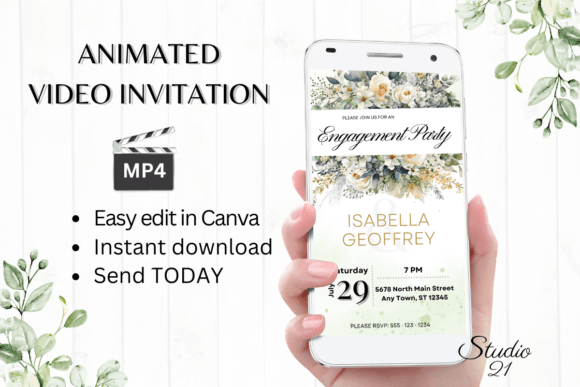
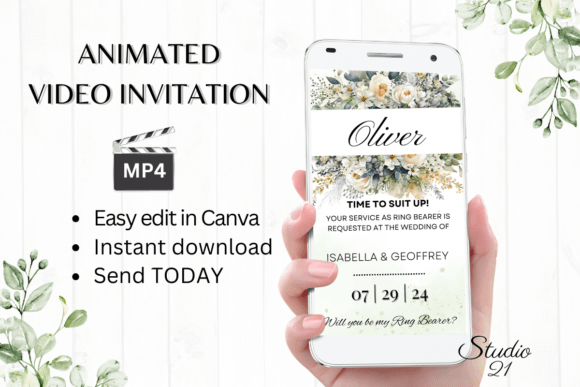
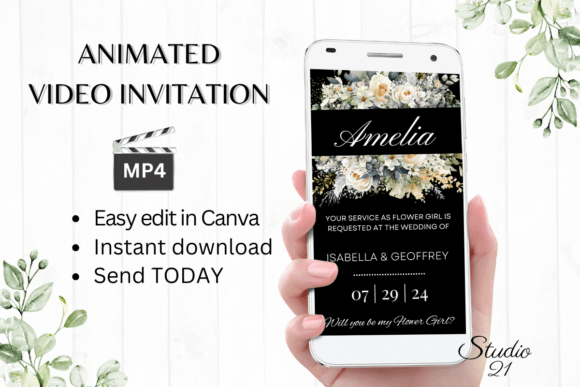
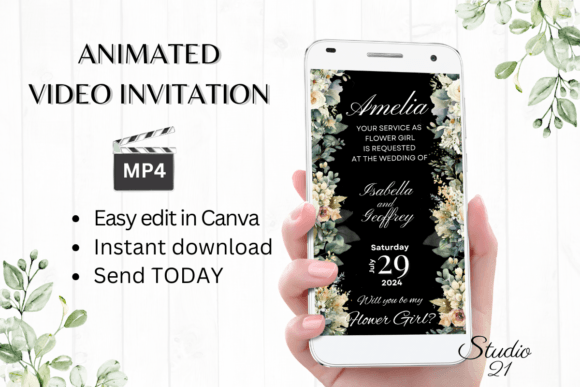
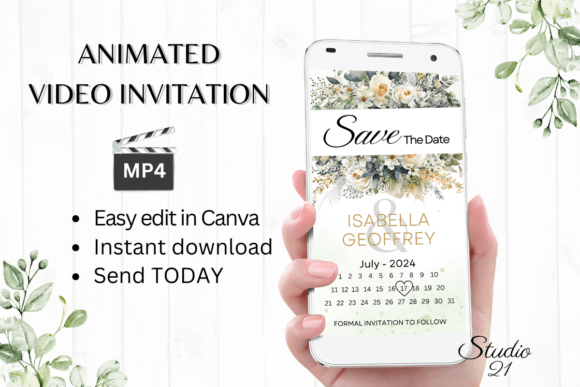
Visually, the Electronic Save the Date W2426B strikes a balance between modern minimalism and elegant celebration. It avoids the clutter of traditional invites, focusing instead on negative space and kinetic typography. The animation style is smooth and fluid, typically utilizing subtle fades, zooms, or pan effects that guide the viewer's eye without causing motion sickness. It feels premium because it respects the hierarchy of information—the date and the names are the heroes, supported by a background that sets the mood without overwhelming the text.
The personality of this design asset is versatile. Depending on how you edit the colors and fonts within Canva, the Electronic Save the Date W2426B can feel whimsical for a backyard wedding, sleek for a corporate gala, or intimate for a baby shower. It functions as a digital canvas that adapts to your specific brand identity. For graphic designers and content creators, this template serves as a study in effective motion graphics for social media. The composition is optimized for vertical viewing (1080x1920 px), making it the perfect format for Instagram Stories, Reels, and mobile messaging apps.
Practical Workflow: From Edit to Send
One of the strongest selling points of the Electronic Save the Date W2426B is the elimination of technical barriers. In the past, creating an animated invite required knowledge of After Effects or Premiere Pro. Here, the workflow is entirely browser-based. Once you purchase the digital download, you receive a PDF containing a direct link. Clicking this link opens the template immediately in Canva’s free editor.
There is no software to install and no proprietary font files to manage. This is particularly helpful for small business owners or busy individuals who need to get an announcement out quickly. You have full control over the customization:
- Typography: Change the font style, size, and color to match your specific event palette.
- Content: Add or delete text blocks. If you need to include a registry link or a dress code, simply duplicate a text layer and adjust.
- Animation: You can even tweak the animation styles within Canva to change the entrance or exit effects of your text.
Once you are satisfied with the design, the process moves to distribution. You do not need to wait for a designer to send you a proof. You simply download the project as an MP4 file. This file is universally compatible. You can send it via iMessage, WhatsApp, Messenger, or email. The Electronic Save the Date W2426B ensures that your recipient sees exactly what you intended, regardless of their operating system, provided you follow the simple user guide included in the download.
Strategic Impact on Brand and Event Perception
Why does the format of a "save the date" matter so much? It comes down to perceived effort and value. A static PDF can easily get lost in a crowded email inbox or look low-resolution on a high-definition phone screen. An animated video, however, commands attention. When a recipient opens a message and sees the Electronic Save the Date W2426B moving, it creates a "stop-scroll" moment.
For entrepreneurs and marketers, this template offers a lesson in audience engagement. Motion graphics increase dwell time—the amount of time a user spends looking at your content. By using this template for product launches or grand openings, you are utilizing a format that algorithms on social platforms tend to favor over static images. It signals professionalism. It tells your guests or customers that you value their experience enough to invest in a polished digital presentation.
Furthermore, the consistency of your visual communication is vital. The Electronic Save the Date W2426B allows you to maintain a cohesive aesthetic. If your event has a specific color scheme or vibe, you can match this digital invite to your physical decor or website design. This creates a seamless brand experience from the first point of contact (the invite) to the event itself.
Tips for Best Results
While the template is designed to be user-friendly, a few design principles can help you maximize its impact. When editing the Electronic Save the Date W2426B, keep text contrast high. If you choose a dark background video or image, ensure your text is a light color and vice versa. This ensures readability on mobile devices, which is where 99% of these invites will be viewed.
Consider the pacing. Because the template loops, you want to ensure the key information—specifically the date—is legible quickly. Don't overcrowd the screen with too many text lines. If you have a lot of information to share (like venue details), it is often better to keep the video short and punchy for the "save the date," and direct them to a website link for the finer details. The Electronic Save the Date W2426B is a teaser; it is meant to build anticipation, not explain every logistics detail.
Ultimately, this digital asset represents the evolution of personal and professional communication. It combines the convenience of instant messaging with the aesthetic quality of professional design. Whether you are a crafter inviting friends to a sale or a couple announcing your wedding, the Electronic Save the Date W2426B provides a reliable, stylish, and efficient way to mark the calendar.